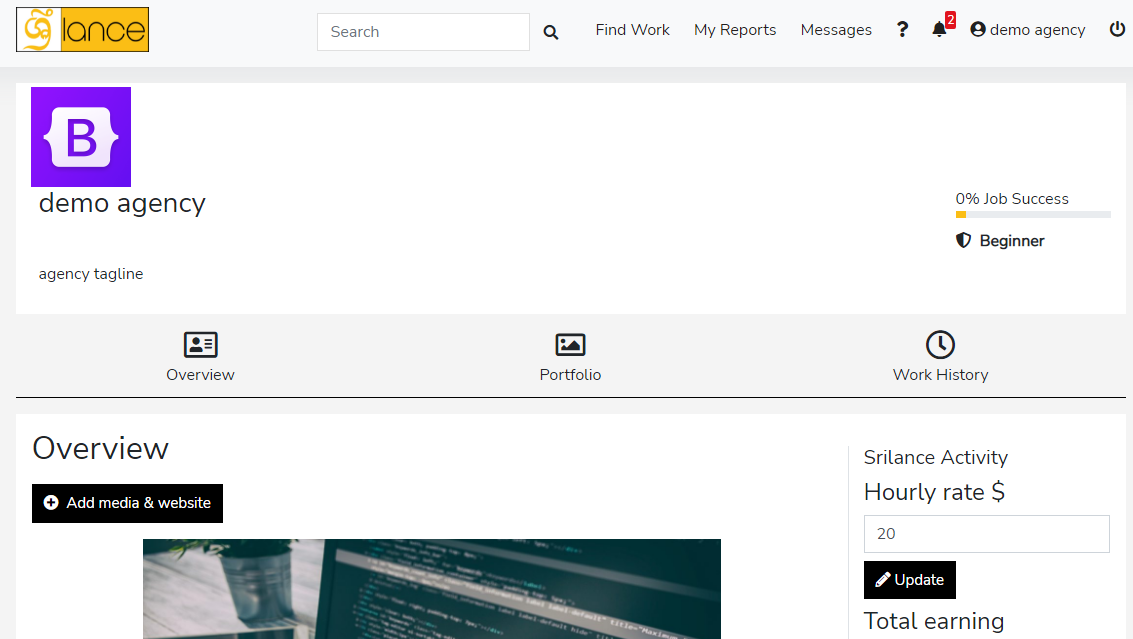
How to register agency


Both freelancer and agency accounts can be made on the same account, later on, you just have to switch to access to another account.

  1. Go to your freelancer account
  2. Click on freelancer account written on top right corner >> drop-down menu will appear
  3. Choose settings
  4. Under contact info form >> Two black box buttons will appear of “create client account/ agency account”.
  5. Click on the black box button named agency account
  6. You have successfully created an agency account
  7. Now you can switch between accounts at any time just with one click.

Category: Agency Support | Posted: Mar 28, 2022

Share Article

Relevant ARTICLES

How to setup agency profile

  1. Go to profile form drop-down menu after clicking on agency account
  2. Embed a website (your agency we...[Read More]

    Category: Agency Support | Posted: Mar 28, 2022

How to register agency

Both freelancer and agency accounts can be made on the same account, later on, you just have to switch to access to a...[Read More]

Category: Agency Support | Posted: Mar 28, 2022

How to add team members and invites

There are some conditions before you invite team members of freelancers for your agency.
  • You should...[Read More]

    Category: Agency Support | Posted: Mar 28, 2022

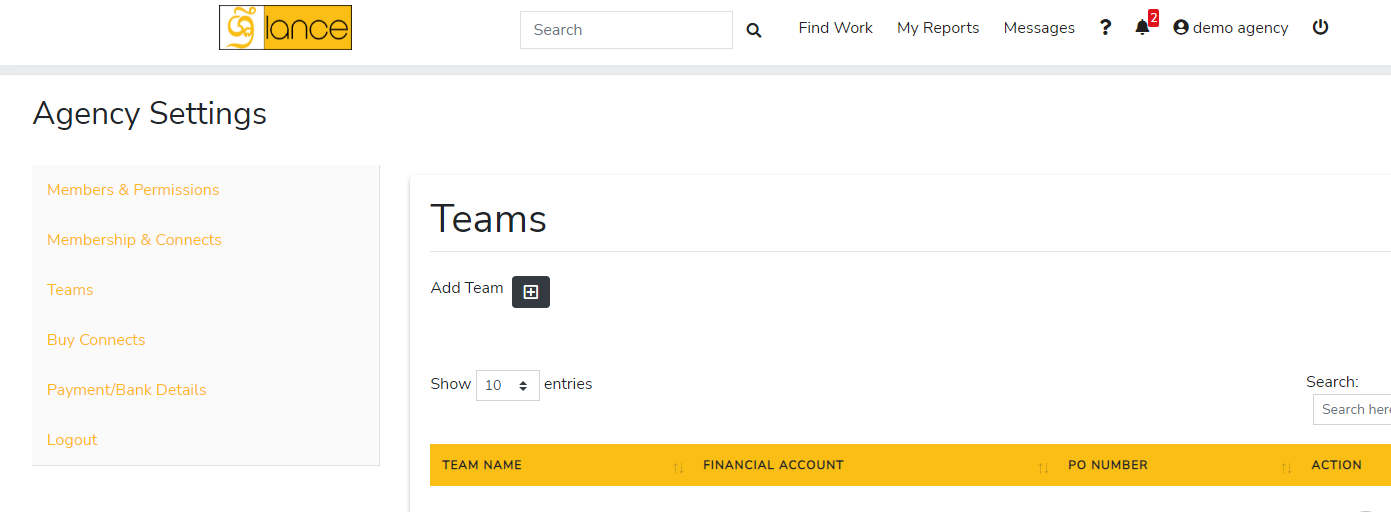
How to add agency teams

  1. Go to Settings 
  2. Members & Permissions 
  3. Click on the invite a...[Read More]

    Category: Agency Support | Posted: Mar 28, 2022

How to add agency portfolio

  1. Switch to the agency account.
  2. Choose portfolio section (the middle section).
  3. ...[Read More]

    Category: Agency Support | Posted: Mar 28, 2022

How to buy connects as a agency

Why buy connects:

Connects can be considered as tokens/points which are used to get a job....[Read More]

Category: Agency Support | Posted: Mar 28, 2022