How to add agency portfolio


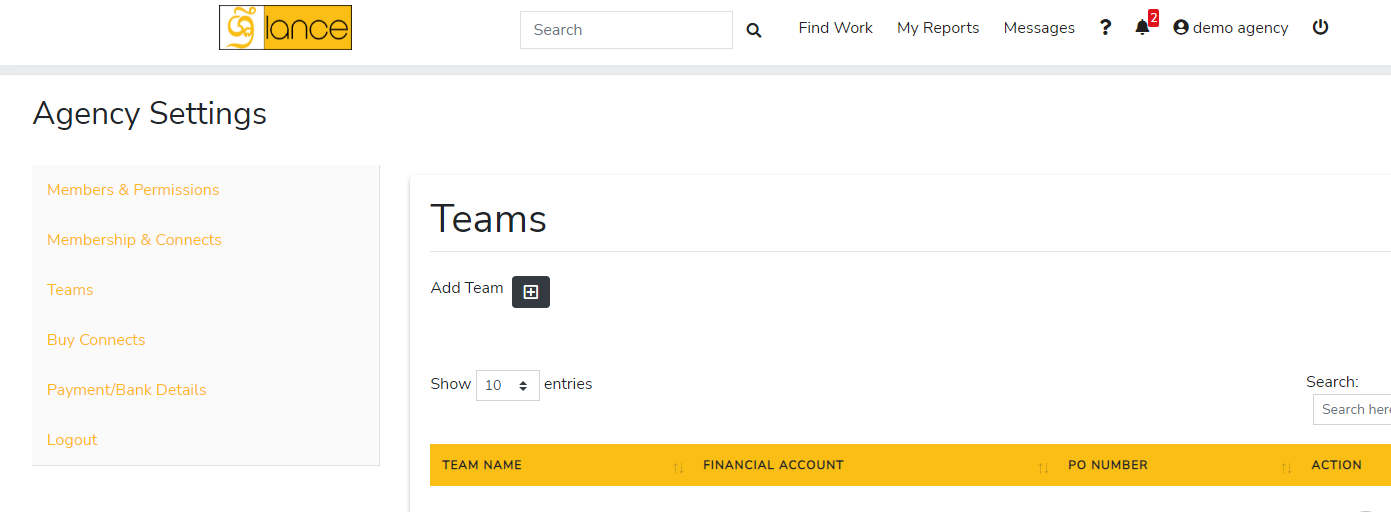
  1. Switch to the agency account.
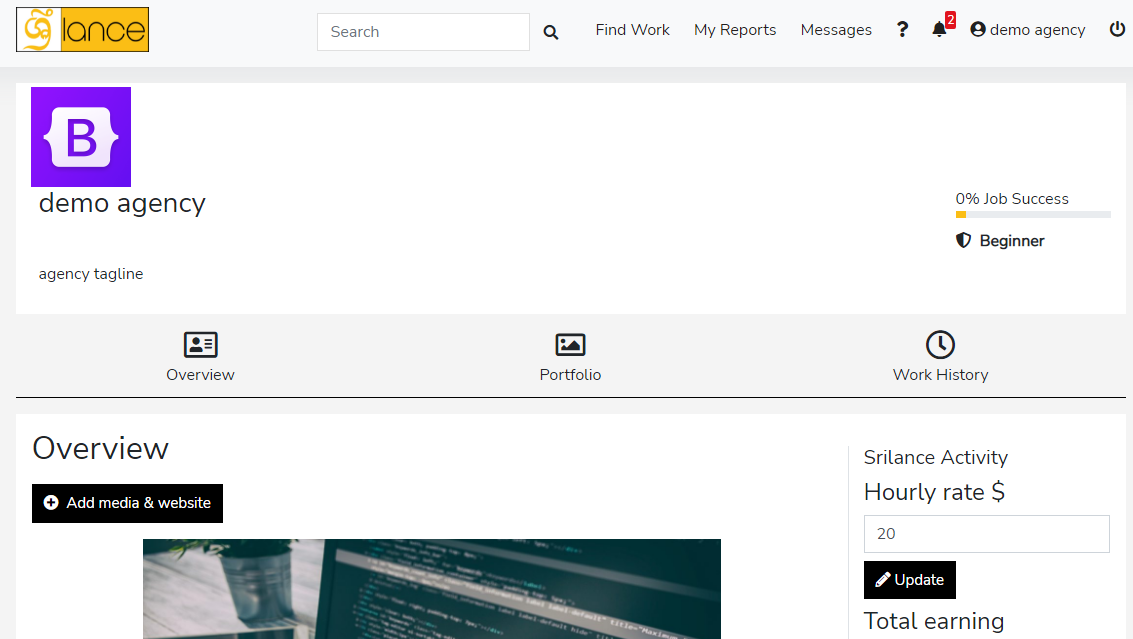
  2. Choose portfolio section (the middle section).
  3. Click on add project button a pop-up will appear, containing required information about the project.
  4. Write project title.
  5. A short description in the overview section (which describe what was the project about, it should be simple, to the point, brief explanation).
  6. Attach a screenshot of the home page as a cover page.
  7. Choose project category.
  8. If the project is live, give a URL link of the project (that’s optional).
  9. Write completion date (when the project is completed).
  10. Write skills (technologies you used to build the project).

Category: Agency Support | Posted: Mar 28, 2022

Share Article

Relevant ARTICLES

How to setup agency profile

  1. Go to profile form drop-down menu after clicking on agency account
  2. Embed a website (your agency we...[Read More]

    Category: Agency Support | Posted: Mar 28, 2022
How to register agency

Both freelancer and agency accounts can be made on the same account, later on, you just have to switch to access to a...[Read More]

Category: Agency Support | Posted: Mar 28, 2022

How to add team members and invites

There are some conditions before you invite team members of freelancers for your agency.

  • You should...[Read More]

    Category: Agency Support | Posted: Mar 28, 2022

How to add agency teams

  1. Go to Settings 
  2. Members & Permissions 
  3. Click on the invite a...[Read More]

    Category: Agency Support | Posted: Mar 28, 2022

How to add agency portfolio

  1. Switch to the agency account.
  2. Choose portfolio section (the middle section).
  3. ...[Read More]

    Category: Agency Support | Posted: Mar 28, 2022

How to buy connects as a agency

Why buy connects:

Connects can be considered as tokens/points which are used to get a job....[Read More]

Category: Agency Support | Posted: Mar 28, 2022